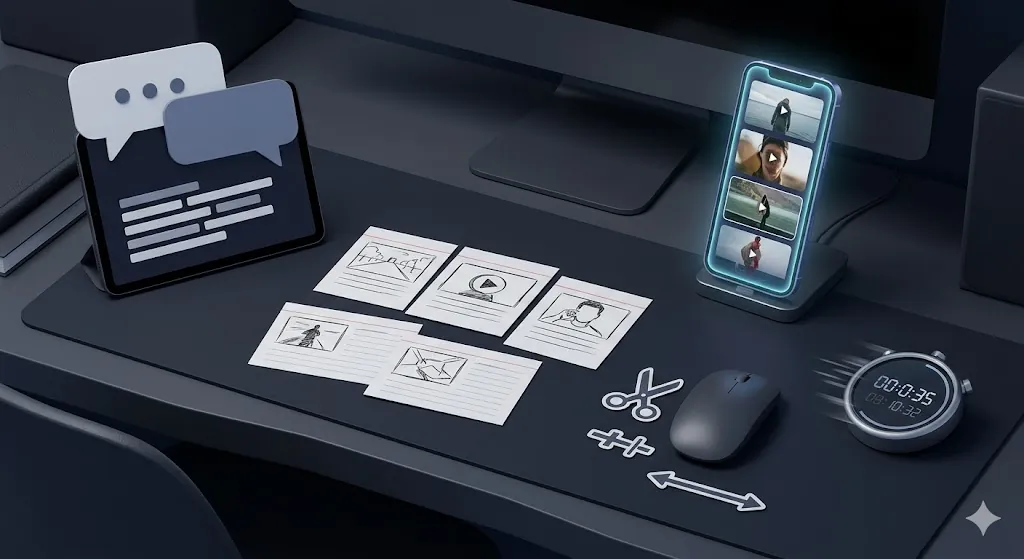
AI video tools are easiest to understand when you stop asking ??hich one is best???and start asking ??hich one removes the most annoying step from the kind of video I already make???/p>
For beginners, that usually means faster captions, easier script-based edits, quicker demo cleanup, or a faster first draft for short-form clips. The right AI video tools save editing time. The wrong ones just add one more interface to learn.
- Beginners should choose AI video tools by task, not by hype.
- Descript is strong for script-first editing and cleanup.
- CapCut is strong for fast short-form social clips.
- Runway is stronger when you need stylized generation or visual experimentation.
- Loom and Canva-style tools help most when your output is more practical than cinematic.
Table of Contents
- How to Choose Beginner-Friendly AI Video Tools
- 5 Easy Picks by Real Task
- Quick Comparison
- Mistakes Beginners Make
- Best For
- FAQ
- Related Reading
- Source
How to Choose Beginner-Friendly AI Video Tools
The best AI video tools for beginners do four things well: they reduce setup friction, create a usable first draft quickly, keep editing understandable, and avoid burying you in advanced controls you do not need yet.
If a tool looks impressive but makes you slower in week one, it is the wrong starting point.
5 Easy Picks by Real Task
1. Descript for script-first editing
Descript is a strong beginner tool when your real pain is turning spoken content into something easier to trim and rewrite. If you think in script terms more easily than timeline terms, this is often the easiest start.
2. CapCut for fast short-form clips
CapCut works best when the goal is speed. If you want quick captions, social formatting, and short vertical outputs without a heavy learning curve, it is one of the clearest fits.
3. Runway for stylized generation and visual experiments
Runway is not always the simplest beginner choice, but it becomes useful when you want visual generation or b-roll style experimentation that standard editors do not offer.
4. Loom for recorded walkthroughs and async updates
If your ??ideo content??is mostly explainers, demos, or team updates, Loom can be more useful than flashy generative tools because it helps turn practical recordings into cleaner reusable assets.
5. Canva-style video tools for simple explainers
If you are making lightweight social explainers, internal updates, or presentation-style videos, template-driven video creation can be more helpful than a full editor.
Quick Comparison
| Tool type | Best for | Main limit |
|---|---|---|
| Descript | Script-based cleanup and editing | Less ideal for highly visual experimentation |
| CapCut | Short-form social speed | Can feel preset-heavy for deeper edits |
| Runway | Generative visuals and creative variation | Heavier learning curve for practical beginners |
| Loom | Walkthroughs and async communication | Not designed for cinematic editing |
| Canva-style tools | Template-driven explainers | Less flexible for advanced storytelling |
Mistakes Beginners Make
- Trying five tools at once instead of matching one tool to one recurring task.
- Assuming AI editing removes the need to review captions, timing, or cuts.
- Choosing a creative-generation tool when the real need is simple cleanup.
- Confusing fast first drafts with publish-ready final output.
Best For
- Creators who want faster first drafts without learning a complex editor immediately.
- Teams making demos, internal explainers, or short social content.
- Beginners who want a task-first way to choose among AI video tools.
If your next bottleneck is not video but content reuse across formats, read AI Content Repurposing: Turn 1 Idea Into 4 Useful Outputs next. If you want broader AI tool selection guidance, AI Tools for Work: 7 Hidden Picks Worth Trying is also a good follow-up.
A 7-Day Test Plan for Beginners
If you are new to AI video tools, test only one workflow for one week. Day 1 should be raw setup. Days 2 to 4 should cover one real repeat task such as captions, demo cleanup, or short clip creation. Days 5 to 7 should focus on whether the tool still feels faster after the novelty wears off.
This matters because first impressions are often misleading. A tool that feels exciting on day one can still be the wrong choice if it creates more review work later.
FAQ
What are the best AI video tools for total beginners?
The best starting point depends on task type. Script-first editors, short-form tools, and async video tools each solve different beginner problems.
Do AI video tools replace normal editing?
No. They reduce repetitive work, but final pacing, tone, and quality control still need human editing.
How should beginners choose an AI video tool?
Pick the tool that improves the kind of video you already make every week, not the one with the biggest demo reel.
Related Reading
- AI Tools for Work: 7 Hidden Picks Worth Trying
- AI Content Repurposing: Turn 1 Idea Into 4 Useful Outputs
- ChatGPT vs Claude vs Gemini: Which One Fits Real Work?