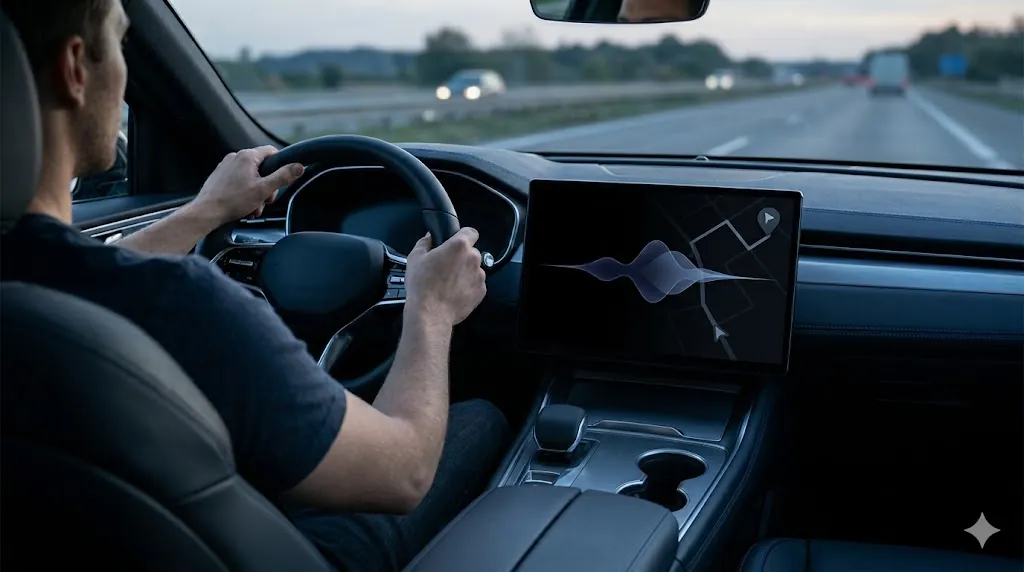
ChatGPT in CarPlay sounds bigger than it is. The useful frame is not ??I changes driving.??The useful frame is ??oice-first help for light, low-risk tasks while your hands stay where they belong.??/p>
OpenAI listed ChatGPT in Apple CarPlay in its release notes on April 2, 2026. As of April 30, 2026, the practical question is simple: when does ChatGPT in CarPlay help, and when should you ignore it?
- ChatGPT in CarPlay is best for short, hands-free questions and reminder-style tasks.
- It is not a reason to offload judgment, navigation verification, or safety decisions to AI.
- The strongest use cases are lightweight and voice-first.
- The wrong use cases are complex, distracting, or time-sensitive while driving.
Table of Contents
- What Changed
- Why It Matters for Regular Users
- 5 Safe Ways ChatGPT in CarPlay Could Help
- Limits and Safety Boundaries
- Best For
- FAQ
- Related Reading
- Source
What Changed
According to OpenAI?? release notes, ChatGPT support extended to Apple CarPlay as part of the broader product rollout announced on April 2, 2026. Apple?? CarPlay support pages already frame CarPlay around safer in-car access to apps, navigation, communication, and voice interaction.
That means ChatGPT in CarPlay should be understood inside an existing hands-free environment, not as a brand-new driving interface from scratch.
Why It Matters for Regular Users
The feature matters because it moves AI from ??esk tool??territory into a familiar daily situation. For regular users, that lowers the mental barrier. You do not need to sit down and ??se AI.??You can ask for a short planning or reminder task while already in motion.
In practice, the value is not deep research. It is low-friction support for small tasks that would otherwise wait until later.
5 Safe Ways ChatGPT in CarPlay Could Help
1. Capture a reminder before you forget it
This is one of the cleanest use cases. Ask for a short reminder or note you can review later.
2. Draft a short message idea for later review
Use it to shape a thought, not to send anything important automatically.
3. Turn a rough errand idea into a short checklist
For example, groceries, pickup steps, or a simple evening task order.
4. Ask a lightweight question you do not need to act on immediately
Short explainers or memory prompts are a better fit than anything requiring careful verification on the spot.
5. Organize a quick plan for after arrival
This is where ChatGPT in CarPlay feels most realistic: helping you arrive with a cleaner next-step list.
Limits and Safety Boundaries
ChatGPT in CarPlay is not a navigation authority, a compliance tool, or a decision-maker for anything risky. Keep prompts short. Avoid anything that makes you look away, think too hard, or trust unverified details while moving.
The best rule is simple: if the answer could affect safety, timing, or money in a meaningful way, verify it later when parked.
Best For
- Drivers who already rely on voice interaction for low-risk tasks.
- People who want to capture ideas or reminders without waiting until later.
- Users who understand that hands-free convenience is the point, not deeper task automation.
If you are comparing assistants more broadly, ChatGPT vs Claude vs Gemini: Which One Fits Real Work? is the right next read. If you want to think about how AI should sit inside narrow recurring tasks, Simple AI Workflows: 5 Practical Ways to Save Time is also relevant.
Availability and Setup Caveats
Because ChatGPT in CarPlay sits inside both app and device ecosystems, users should expect rollout conditions to matter. App version, device support, region, and account state can all affect what actually appears in the car.
That is another reason to keep the feature in the ??seful convenience??category rather than the ??ritical dependency??category. If it shows up and works well, it can save small amounts of time. If it does not, your driving workflow should still function normally without it.
FAQ
When was ChatGPT in CarPlay announced?
OpenAI included ChatGPT in Apple CarPlay in its release notes on April 2, 2026.
Is ChatGPT in CarPlay meant for complex work?
No. The most practical use cases are short, low-risk, and easy to review later.
Should drivers trust every answer from ChatGPT in CarPlay?
No. Treat outputs as drafts and verify anything important after you stop.
Related Reading
- ChatGPT vs Claude vs Gemini: Which One Fits Real Work?
- AI News This Week: 3 Updates Regular Users Should Know
- Simple AI Workflows: 5 Practical Ways to Save Time