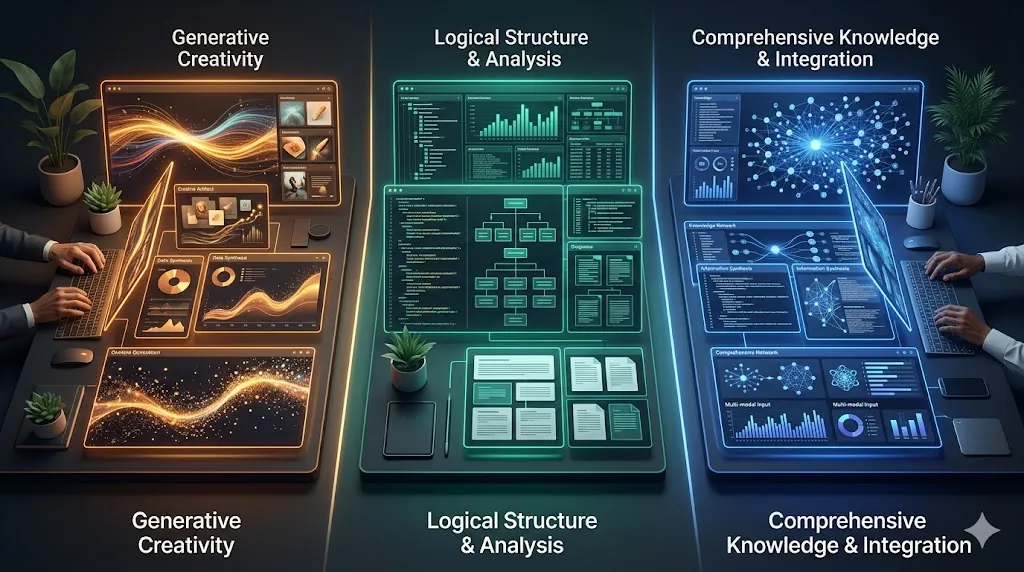
ChatGPT vs Claude vs Gemini is usually framed like a model fight. That is the wrong frame for most people. Real users do not need another benchmark roundup. They need to know which tool fits the work they actually do.
That is why this comparison sticks to everyday tasks: writing, summarizing, planning, and research. The answer is not “one winner for everything.” The answer is which assistant fits your workflow, your files, and the ecosystem you already live in.
- ChatGPT is strongest when you want a broad work assistant with Projects, Deep Research, Canvas, and a growing app ecosystem.
- Claude is strongest when you care about polished writing, strong long-form editing, Projects, Artifacts, and source-checkable Research.
- Gemini is strongest when your work already lives in Google products and you want planning, drafting, Deep Research, Gems, and Canvas in that ecosystem.
- The best choice depends less on model fandom and more on where your repeat work already happens.
Table of Contents
- What Makes This Comparison Different
- ChatGPT vs Claude vs Gemini for Writing
- ChatGPT vs Claude vs Gemini for Summaries and Planning
- ChatGPT vs Claude vs Gemini for Research
- Pros and Cons
- Pricing and Access Notes
- Which Tool Fits Which Type of User
- Alternatives and Next Steps
- FAQ
- Related Reading
- Source
What Makes This Comparison Different
Most comparisons confuse model performance with product fit. But most readers are choosing an assistant, not an abstract benchmark score. The practical question is where each product helps you finish work with less friction.
So this ChatGPT vs Claude vs Gemini guide focuses on what the official product pages and help docs say each tool is designed to do well: persistent workspaces, writing, editing, research, and repeat tasks.
ChatGPT vs Claude vs Gemini for Writing
ChatGPT
OpenAI’s writing guidance positions ChatGPT as a flexible drafting and rewriting partner. It supports starting from scratch, rewriting rough text, tightening tone, and turning scattered notes into cleaner communication. Projects make that more useful over time because files, chats, and instructions stay together.
Claude
Claude has one of the clearest official writing stories. Anthropic says it helps turn ideas into polished writing, improve clarity and structure while preserving voice, and lets users create custom Styles from writing samples or written instructions. That makes Claude especially attractive for people who care about tone consistency and edit quality.
Gemini
Google says Gemini Apps can brainstorm ideas, summarize complex topics, and create first drafts. Canvas adds direct editing controls such as changing tone and length inside the same flow. Gemini is especially practical when the output will eventually live in the Google ecosystem anyway.
Writing takeaway: Claude is often the cleanest fit for voice-sensitive editing, ChatGPT is the broadest all-around writer, and Gemini is strongest when the writing work is already attached to Google files and planning.
ChatGPT vs Claude vs Gemini for Summaries and Planning
ChatGPT
Projects and Canvas make ChatGPT strong for repeat planning work. If you want one place to keep files, instructions, and evolving drafts together, ChatGPT has a mature workspace feel.
Claude
Claude Projects are self-contained workspaces, and Artifacts place substantial content in a separate reusable window. That combination is useful when planning needs a durable output instead of a disappearing chat answer.
Gemini
Gemini’s advantage is ecosystem continuity. Gems save reusable instructions for repeat tasks, and Canvas gives a more direct editing surface. If your planning work starts in Docs, Drive, or related Google tools, Gemini often feels like the lowest-friction option.
Planning takeaway: ChatGPT feels broad and modular, Claude feels structured and polished, and Gemini feels most natural if your surrounding workflow is already Google-shaped.
ChatGPT vs Claude vs Gemini for Research
ChatGPT
OpenAI says Deep Research can use websites, uploaded files, and connected apps, lets users review a proposed plan, and returns structured reports with citations or source links. That is useful when the work needs synthesis, not just a quick answer.
Claude
Anthropic says Claude Research runs multiple searches, explores different angles automatically, and returns answers with easy-to-check citations. The paid-plan requirement matters, but the product is clearly aimed at multi-source investigation rather than one-off search.
Gemini
Google says Gemini Deep Research uses Google Search by default, can incorporate sources like Gmail or Drive when connected, and proposes a research plan before it runs. That makes it appealing for users who already keep context in Google’s ecosystem.
Research takeaway: In ChatGPT vs Claude vs Gemini, all three now have a research story. The difference is not whether they can research. It is where they pull context from and where the output is meant to go next.
Pros and Cons
ChatGPT
- Pros: broad capabilities, strong workspace feel, Deep Research, Projects, Canvas, expanding app ecosystem.
- Cons: plan differences matter, the product can feel sprawling, and some features are easier to understand after setup than at first glance.
Claude
- Pros: strong writing/editing framing, Projects, Artifacts, Research with citations, Styles for voice control.
- Cons: some advanced features sit behind paid plans, and it is less naturally embedded in common office suites than Gemini.
Gemini
- Pros: strongest fit for Google-centric users, Deep Research, Gems, Canvas, planning tied to Google context.
- Cons: best experience depends heavily on Google ecosystem use, and feature availability can vary by plan or geography.
Pricing and Access Notes
Pricing and plan access are moving targets across all three products, which is why this article avoids pretending there is one clean permanent answer. The practical issue is feature access. Deep research, advanced workspace features, and premium models often depend on plan tier.
So before switching tools, check whether the exact feature you care about is available on your current plan and devices.
Which Tool Fits Which Type of User
- Choose ChatGPT if you want one assistant that can write, plan, research, and work across files and connected apps.
- Choose Claude if polished writing, editing quality, and structured workspaces matter most.
- Choose Gemini if your work already lives in Gmail, Drive, Docs, and the broader Google ecosystem.
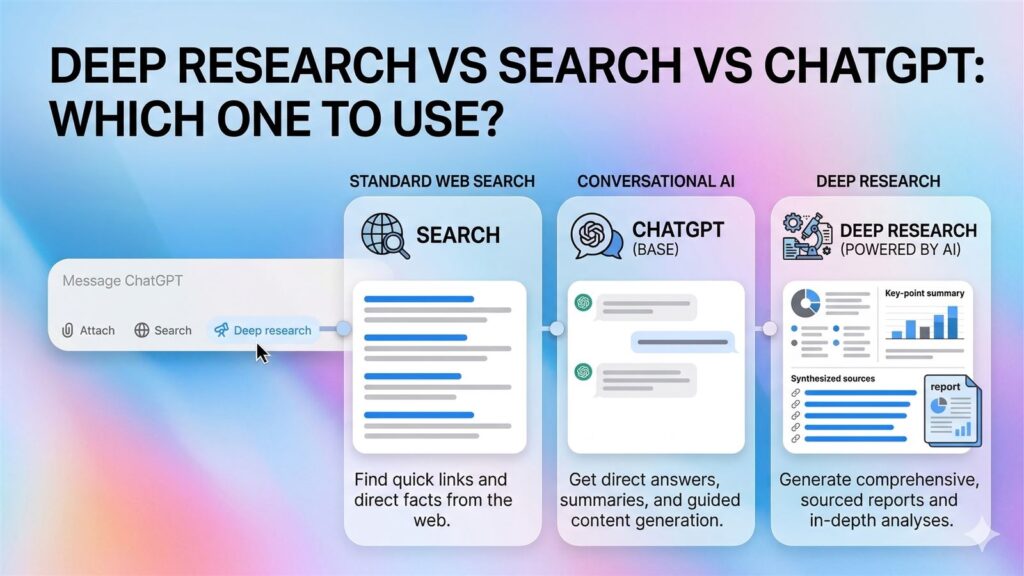
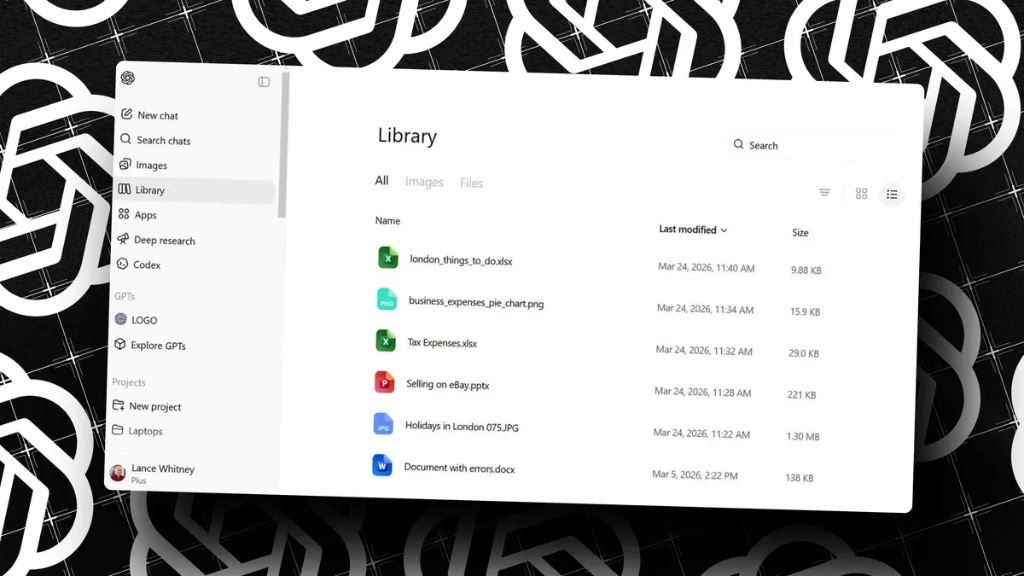
If your main use case is research, read Deep Research vs Search vs ChatGPT next. If your problem is repeat file work, ChatGPT File Library Makes Repeat Work Much Easier to Reuse is also relevant.
Alternatives and Next Steps
The safest final test is not a benchmark chart. It is one repeat task. Pick a writing task, a summary task, and a research task you actually do, then run them in the tool you are considering.
That matters because ChatGPT vs Claude vs Gemini often comes down to workflow comfort. The assistant that fits your files, habits, and review style will usually beat the “best” assistant on paper.
FAQ
Which is better for writing, ChatGPT or Claude?
Claude has a stronger official story around preserving voice and structure, while ChatGPT is broader and more flexible across mixed work tasks.
Is Gemini better if you use Google Workspace?
Usually yes. Gemini is strongest when your work already lives in Google’s ecosystem and you want research, drafting, and planning close to that context.
Which is best for research?
All three now have research-oriented features. The best choice depends on whether you want web-first research, connected apps, or a stronger source-grounded workspace.
Is there one winner in ChatGPT vs Claude vs Gemini?
No. The better question is which one fits your work style and ecosystem best.
Related Reading
- Deep Research vs Search vs ChatGPT
- GPT-5.4 in ChatGPT: What Actually Feels Better in Everyday Work
- Claude XML Prompting: 5 Formatting Habits for Cleaner Answers
- More AI tools coverage