AI tools for work do not stop at ChatGPT. Most people know one or two big names, but a lot of the genuinely useful products are quieter features inside work apps people already use.
That is why this list focuses on tools that are easy to understand, easy to try, and useful in normal work. The goal is not to find the most impressive demo. It is to find AI tools for work that help with research, documents, meetings, search, or communication without forcing a steep learning curve.
- The best hidden AI tools for work usually solve one narrow problem well instead of promising full automation.
- NotebookLM, Notion AI Meeting Notes, and Adobe Acrobat AI Assistant are the easiest places to start if you work with information every day.
- Slack AI, Zoom AI Companion, Loom AI, and Dropbox Dash are strongest when your job already lives inside those ecosystems.
- The real filter is simple: pick the tool that removes one repetitive step you already hate doing.
Table of Contents
- Why Hidden AI Tools Are Worth Watching
- 7 AI Tools for Work That Are Surprisingly Useful
- Pros and Cons of This Category
- Pricing and Access Notes
- Best For
- How to Tell a Useful AI Tool From a Gimmick
- Alternatives and Starting Points
- FAQ
- Related Reading
- Source
Why Hidden AI Tools Are Worth Watching
Most people hear “AI tool” and think of one chat window. In real work, the more useful pattern is different. A tool becomes worth keeping when it improves one step in a workflow you already do: summarize a meeting, search scattered files, compare two contracts, or turn a long source pack into something you can actually use.
That is why this list uses a loose definition of hidden. These are not secret startups. They are underused products or features that many people still overlook even though they solve common work problems.
7 AI Tools for Work That Are Surprisingly Useful
1. NotebookLM for source-grounded research
NotebookLM is one of the strongest AI tools for work if your job involves reading, research, or collecting source material. Google says it can take PDFs, websites, YouTube videos, audio files, Google Docs, Slides, and more, then answer questions with inline citations.
The practical use case is simple: build one notebook for a project, load in the source material, and ask for summaries, briefings, mind maps, or audio overviews. It is especially useful for researchers, students, strategists, and content teams that want better source discipline than a normal chat window offers.
Best for: research-heavy work, learning, source-based briefing.
2. Adobe Acrobat AI Assistant for long PDFs and contracts
Adobe says Acrobat AI Assistant can answer questions about documents with attribution, generate structured summaries, compare documents and contracts, and even support voice chat on mobile. That makes it useful for anyone who spends too much time opening a PDF just to find one buried answer.
The everyday use case is contract review, policy review, or extracting the main points from a long report before a meeting. It is not a legal substitute, but it can shorten the first read dramatically.
Best for: contract scanning, policy review, long-report triage.
3. Notion AI Meeting Notes for built-in meeting capture
Notion says AI Meeting Notes can start transcription from a page with /meet, then generate summaries after recording, with citations back to transcript lines. The feature also connects with Notion Calendar and a searchable Meetings view.
That is useful because a lot of meeting-note tools stop at transcription. Notion makes the output easier to reuse inside the same workspace where teams already keep docs, tasks, and planning notes.
Best for: team meetings, internal notes, follow-up tracking.
4. Slack AI for channel summaries and fast catch-up
Slack says Slack AI can summarize channels, DMs, and threads, answer questions from workspace knowledge, generate daily recaps, and show source details for summaries. If your real job problem is “I missed the thread and now I am behind,” this is one of the clearest AI tools for work to consider.
The useful use case is not replacing communication. It is reducing the time wasted catching up on communication.
Best for: busy teams, async work, thread overload.
5. Zoom AI Companion for meetings, chat, and docs
Zoom says AI Companion spans Meetings, Chat, Mail, Phone, Docs, and more. Its features include in-meeting questions, meeting summaries, smart recording, doc generation and revision, and an AI panel across the app.
This matters because it turns Zoom from a meeting app into a broader work assistant inside the ecosystem some teams already use all day. It is most valuable if your company already runs communication through Zoom rather than through a patchwork of tools.
Best for: meeting-heavy teams, distributed organizations, internal communication.
6. Loom AI for turning video into useful written assets
Loom says Loom AI can generate titles, summaries, chapters, meeting notes, action items, recap emails, and can convert videos into docs, issues, and messages. That makes it more useful than a simple screen-recording tool.
The real win is reuse. One recording can become a short summary, a handoff note, and a written update without redoing the same explanation three times.
Best for: async updates, onboarding, recorded walkthroughs.
7. Dropbox Dash for cross-app search and organization
Dropbox says Dash combines universal search with AI writing, analysis, summarization, and organization across connected apps such as Google Drive, OneDrive, and Slack, while respecting existing permissions.
This is one of the strongest AI tools for work for people whose problem is not generation but finding things. Search is one of the least glamorous AI use cases, but it is often one of the most valuable.
Best for: scattered documents, multi-tool teams, knowledge retrieval.
Pros and Cons of This Category
Pros
- These tools map to real work tasks people already have, which makes adoption easier.
- Most of them live inside products teams already know, so the learning curve is lower.
- The best ones improve retrieval, summarization, or documentation instead of pretending to automate everything.
Cons
- Access often depends on plan, admin settings, device, or region.
- Summaries and notes still need human review, especially for contracts, meetings, or compliance-sensitive material.
- Some of these are underused features inside bigger apps, so discovery is harder than it should be.
Pricing and Access Notes
Pricing is the messiest part of this category because several of these products are bundled into larger subscriptions. Slack AI, Zoom AI Companion, Notion AI Meeting Notes, Loom AI, and Dropbox Dash can vary by workspace plan or admin setup. Adobe Acrobat AI Assistant and NotebookLM also have plan or account context that can change over time.
That is why the safer buying question is not “Which one is cheapest?” It is “Which one fits the stack my team already uses?”
Best For
- If you work with reading and research, start with NotebookLM or Acrobat AI Assistant.
- If your day is mostly meetings, start with Notion AI Meeting Notes, Zoom AI Companion, or Loom AI.
- If your biggest pain is finding context across tools, start with Slack AI or Dropbox Dash.
How to Tell a Useful AI Tool From a Gimmick
A useful AI tool does one of three things: it finds information faster, it shortens a repetitive step, or it makes review easier. A gimmick usually creates a flashy output without improving the actual workflow around it.
A simple test helps. Ask three questions:
- Does this save time on a task I already do every week?
- Can I verify the output quickly?
- Does it fit a tool I already use, or does it create one more place to manage?
If the answer is mostly no, the tool is probably a novelty, not a keeper.
Alternatives and Starting Points
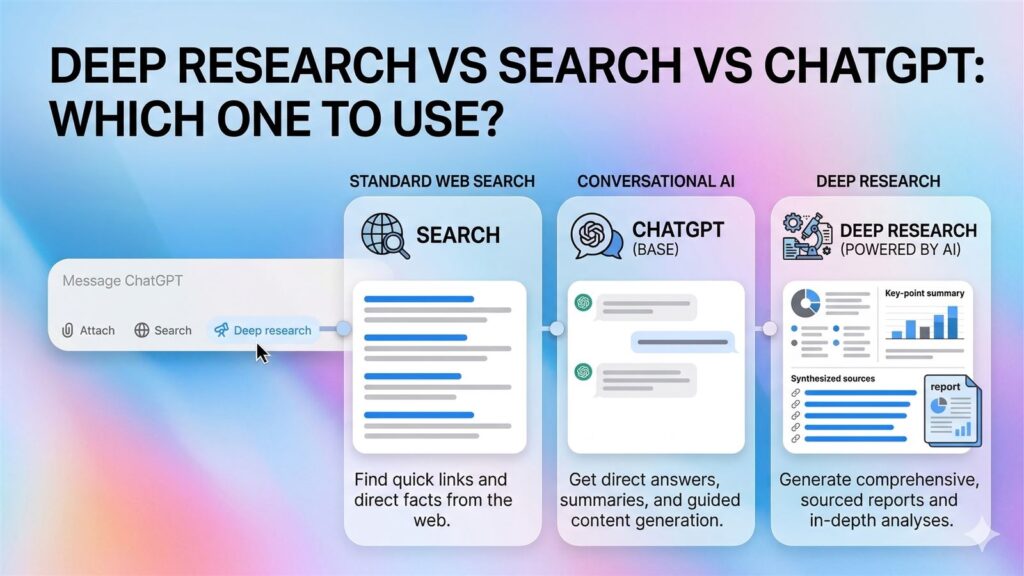
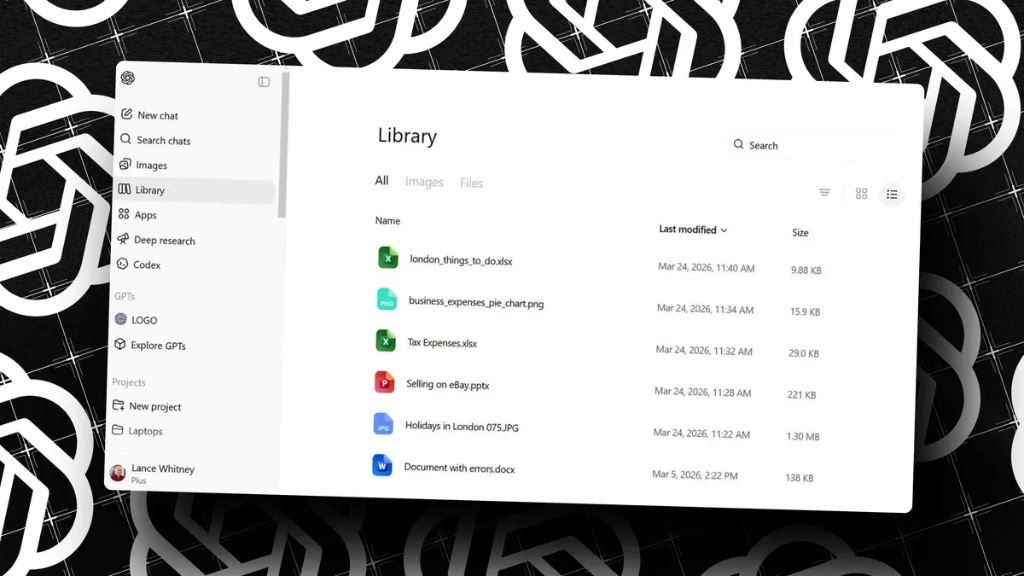
If you want broader assistants instead of task-specific tools, a comparison like ChatGPT vs Claude vs Gemini can be a better first step. If you want a more source-grounded workflow, Deep Research vs Search vs ChatGPT is still a useful framework. And if your work is more file-heavy than chat-heavy, ChatGPT File Library Makes Repeat Work Much Easier to Reuse shows why file context is often the real unlock.
The simplest path is to test one tool from the category that matches your biggest workflow bottleneck right now. That usually works better than trying seven new products at once.
FAQ
What are the best AI tools for work if you already use Google?
NotebookLM is a strong starting point because it is source-grounded and designed for reading, research, and synthesis rather than generic chatting.
Which AI tool is best for meetings?
Notion AI Meeting Notes, Zoom AI Companion, and Loom AI are all strong options, depending on where your team already records and stores meeting output.
Are these hidden AI tools actually obscure?
Not always. In this article, “hidden” mostly means underused or overlooked, not secret.
Should you trust AI summaries without review?
No. Summaries can save time, but anything important still needs a quick human check.
Related Reading
- Fill with Gemini: 5 Spreadsheet Tasks Worth Using It For
- Google Vids AI Script Editing: 5 Practical Reasons It Matters
- ChatGPT File Library Makes Repeat Work Much Easier to Reuse
- More AI tools coverage